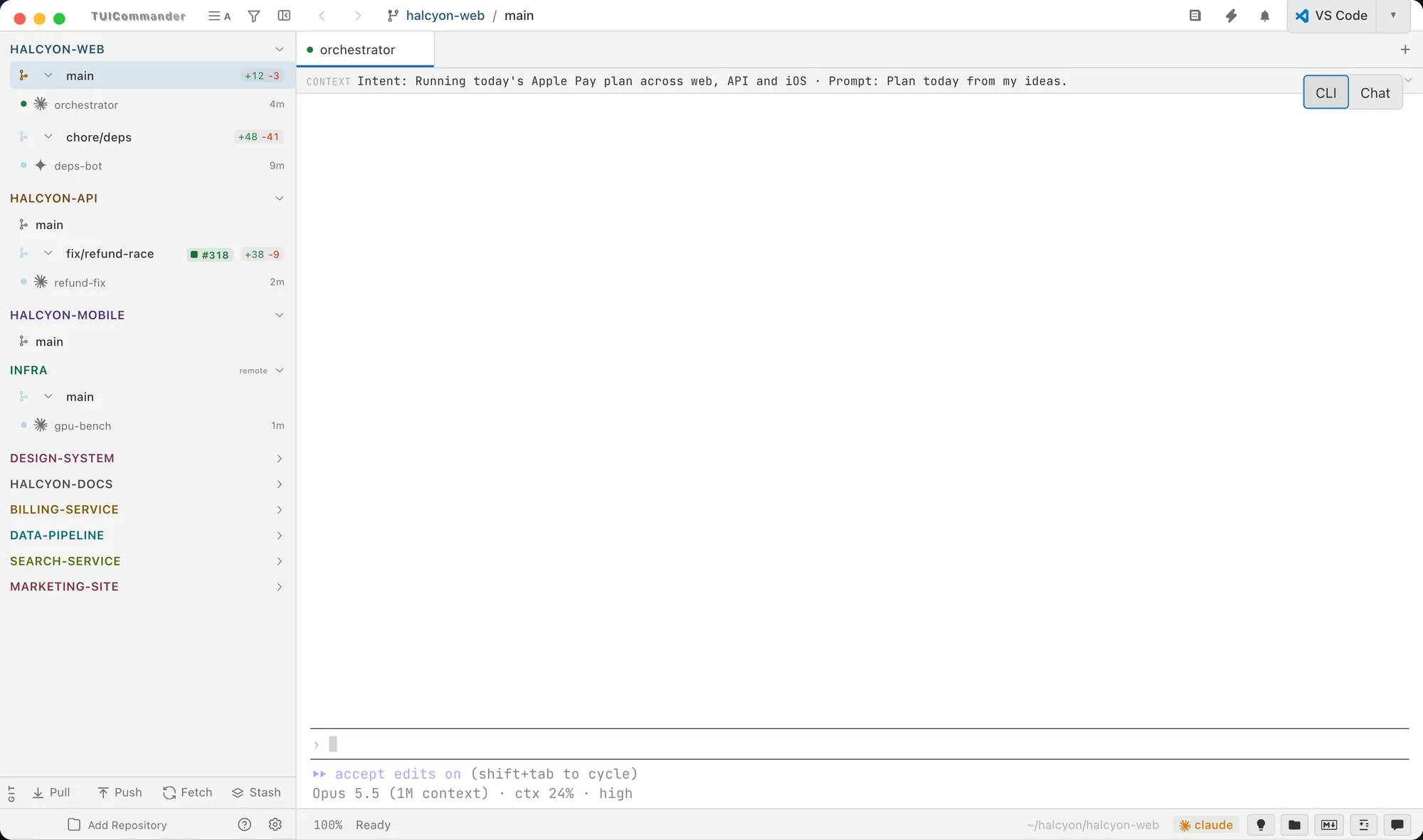
Workspace
Everything around the terminal, so reading what an agent wrote never means opening another app.
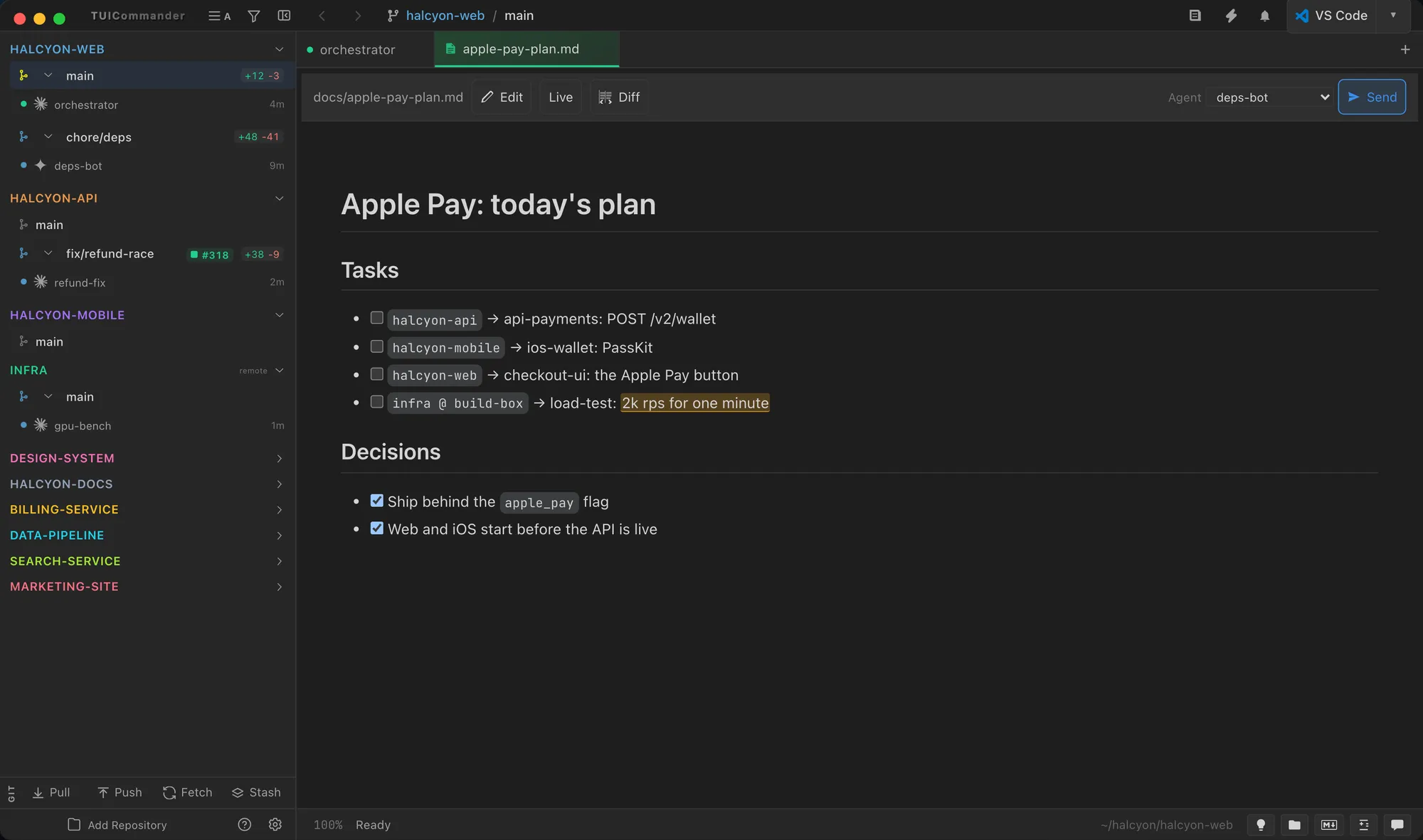
Plans and notes open in the Markdown panel with highlighted code and live task checkboxes. Comment on any passage: the comment is stored inside the .md file as an invisible marker, so the agent reads your review the next time it opens the file. Links to files and lines open inside TUICommander.
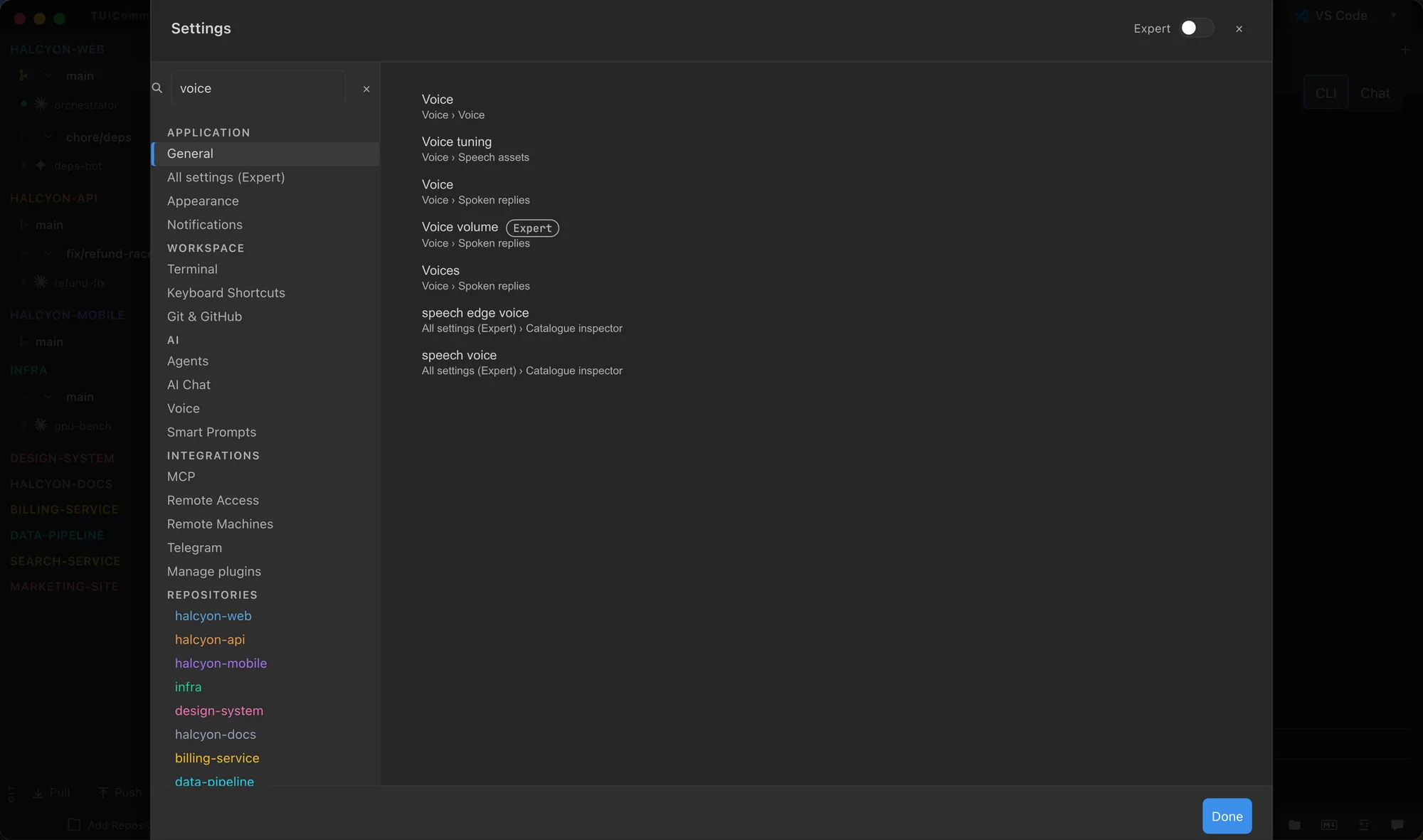
One search box filters every settings page at once. Each result shows its Page › Section trail and opens the field. Expert mode shows the advanced settings when you need them.

One theme colours the terminal and the app chrome, including light themes and your own custom themes. The native window background follows it from startup.
Read the Settings guide →
Tree or flat view with Git status, filename search with * and ** globs, content search, and a CodeMirror editor that detects changes on disk.
Collect page elements and comments in a browser sidebar, then send the feedback to an agent.
Split the terminal side by side or stacked, maximize a pane, and zoom each terminal on its own.
End a tab's process to free its memory and CPU, keep the tab, and resume the agent's conversation later.
Cmd+U jumps to the next agent that waits for you, across repositories. Every shortcut can be rebound.
Every action by name, from one fuzzy search.